When the tile Position components are updated, the physical position on the board is not, because we don't have a system to take care of translating Position values into physical positions on the screen.
We'll write a render_tiles system and add it to the always-running systems.
.add_systems((
    render_tile_points,
    board_shift,
    render_tiles,
))
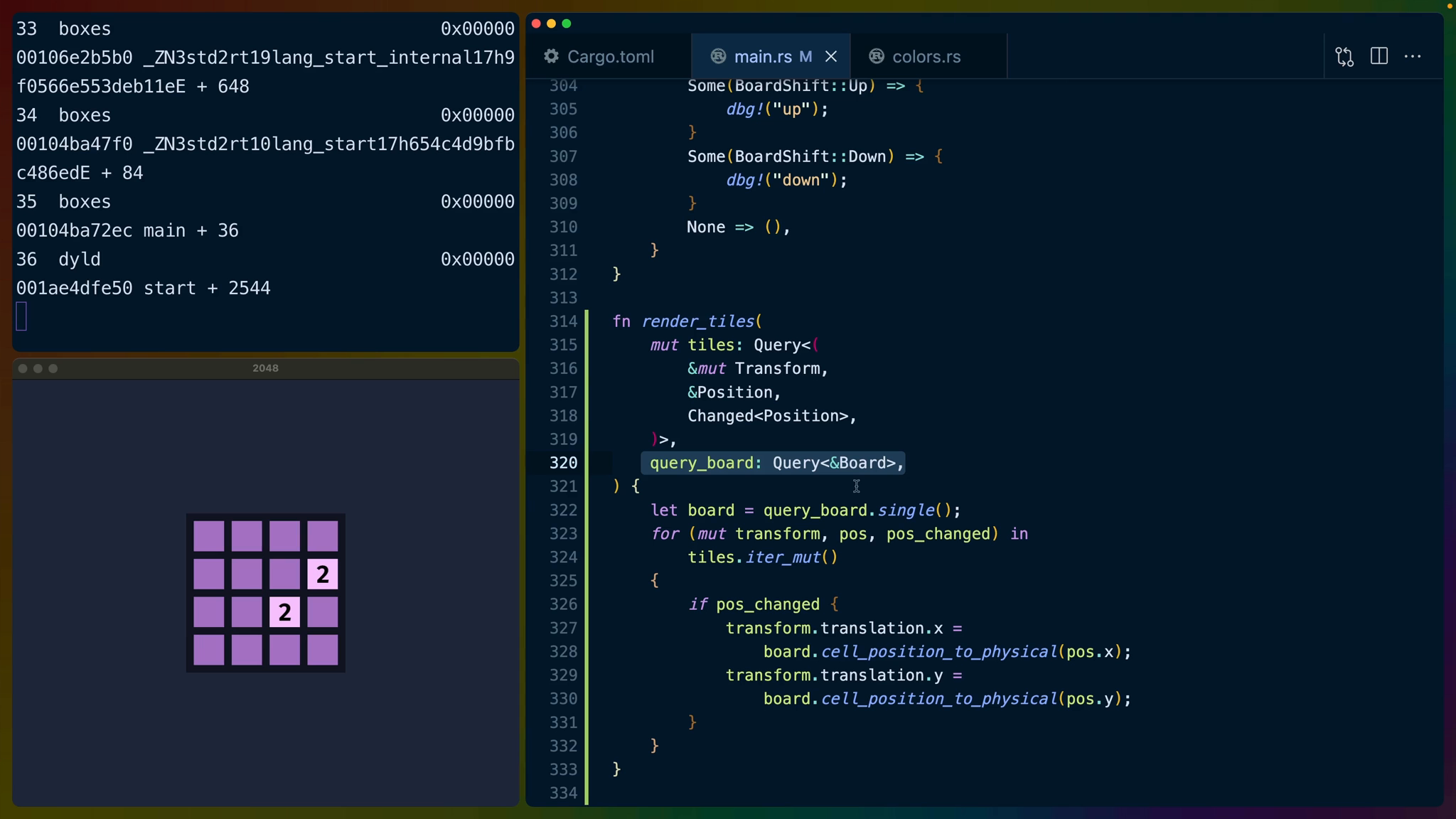
The render_tiles system will mutate the Transform component on the tile, and read from the Position component. The biggest new piece of this query is Changed<Position> which will give us a boolean value that tells us whether Position changed or not. Using this query means we don't have to do any complicated state maintenance across game ticks to make sure we're only updating when something changes.
We'll also query the Board to take advantage of the board.cell_position_to_physical function we wrote.
fn render_tiles(
    mut tiles: Query<(
        &mut Transform,
        &Position,
        Changed<Position>,
    )>,
    query_board: Query<&Board>,
) {
    let board = query_board.single();
    for (mut transform, pos, pos_changed) in
        tiles.iter_mut()
    {
        if pos_changed {
            transform.translation.x =
                board.cell_position_to_physical(pos.x);
            transform.translation.y =
                board.cell_position_to_physical(pos.y);
        }
    }
}
Iterating over the tiles with iter_mut allows us to check to see if the Position changed, and if it did then apply the physical location change to the translation.
Transforms are a very common Bevy component made up of a translation, rotation, and scale. Any displayable entity in our app will have a Transform component. In our case we only care about the translation, so we'll update the x and y values here.
transform.translation.x = board.cell_position_to_physical(pos.x);
transform.translation.y = board.cell_position_to_physical(pos.y);
Now when pressing left, all of the tiles will move to the left and potentially merge if applicable.