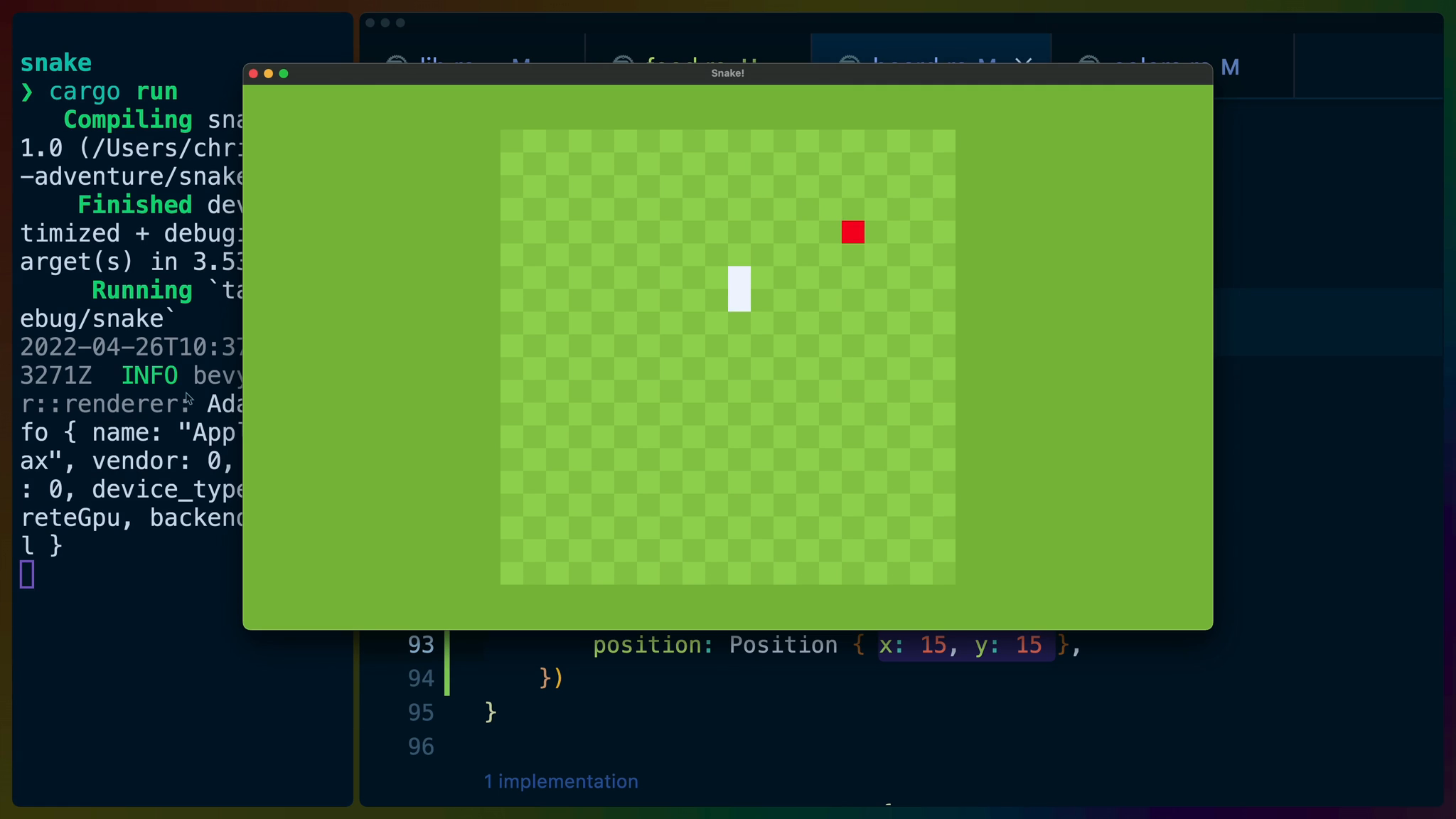
A core component of Snake is the eating and spawning of apples.
In lib.rs create a public submodule called food.
pub mod board;
pub mod colors;
pub mod controls;
pub mod food;
pub mod snake;
In food.rs create a struct that we’ll use for tagging Positions as Food.
use bevy::prelude::*;

#[derive(Component)]
pub struct Food;
In board.rs we can copy/paste the code we used for our custom snake segment spawn command and change the name and color to make it an Apple spawner!
Also note we’ve brought Food into scope and are inserting it after we insert the position.
pub struct SpawnApple {
    pub position: Position,
}

impl Command for SpawnApple {
    fn write(self, world: &mut World) {
        let board = world
            .query::<&Board>()
            .iter(&world)
            .next()
            .unwrap();
        let x = board
            .cell_position_to_physical(self.position.x);
        let y = board
            .cell_position_to_physical(self.position.y);

        world
            .spawn()
            .insert_bundle(SpriteBundle {
                sprite: Sprite {
                    color: COLORS.food,
                    custom_size: Some(Vec2::new(
                        TILE_SIZE, TILE_SIZE,
                    )),
                    ..Sprite::default()
                },
                transform: Transform::from_xyz(x, y, 2.0),
                ..Default::default()
            })
            .insert(self.position);
    }
}
In colors.rs I’ve picked a red color to represent my apples.
use bevy::prelude::Color;

pub struct Colors {
    pub board: Color,
    pub tile_placeholder: Color,
    pub tile_placeholder_dark: Color,
    pub snake: Color,
    pub food: Color,
}
pub const COLORS: Colors = Colors {
    board: Color::rgb(0.42, 0.63, 0.07),
    tile_placeholder: Color::rgb(0.62, 0.83, 0.27),
    tile_placeholder_dark: Color::rgb(0.57, 0.78, 0.22),
    snake: Color::WHITE,
    food: Color::RED,
};
and in board.rs we’ll need to use our SpawnApple right below our SpawnSnakeSegment usage.
for segment in snake.segments.iter() {
    commands.add({
        SpawnSnakeSegment { position: *segment }
    });
}
commands.add(SpawnApple {
    position: Position { x: 15, y: 15 },
})
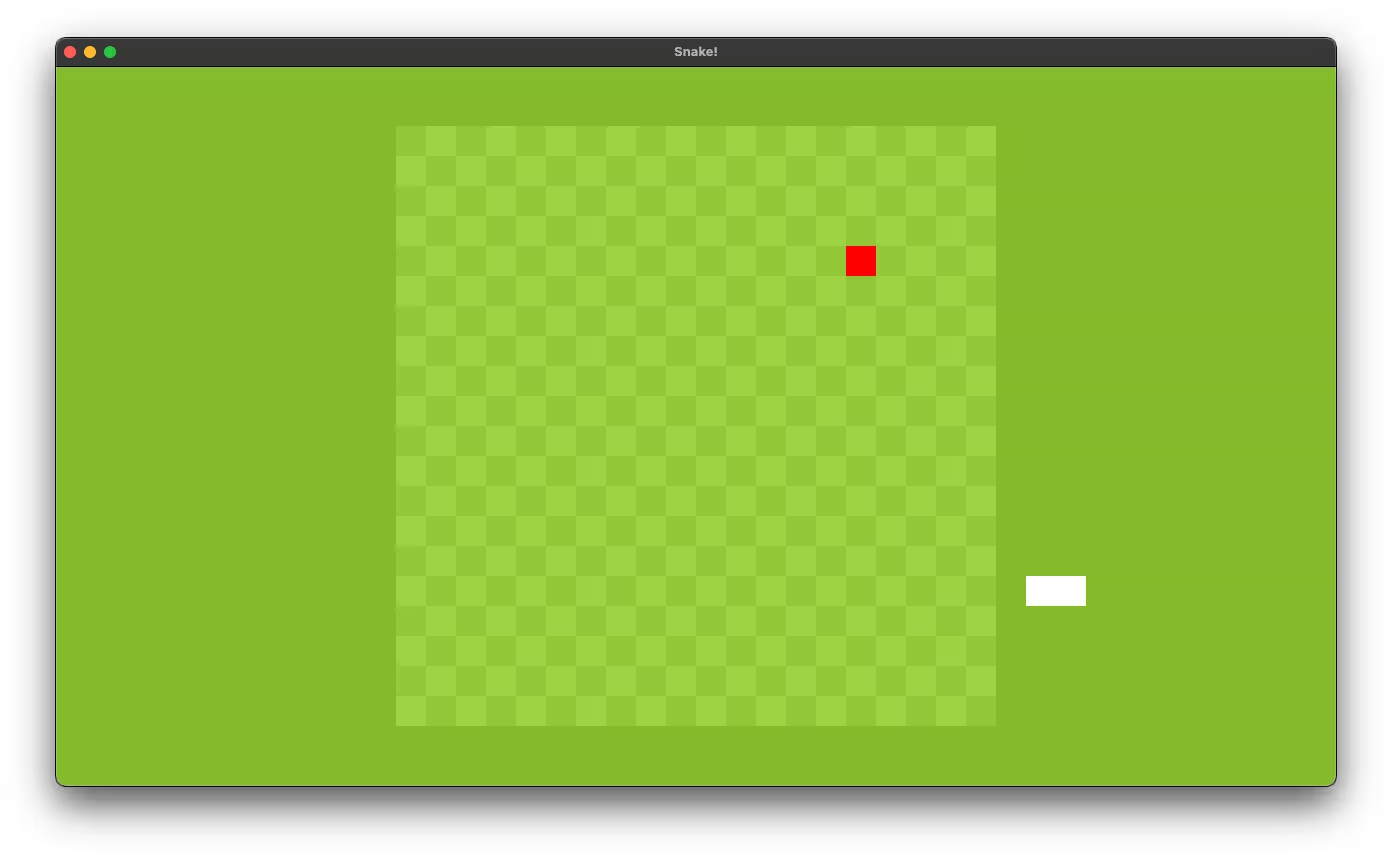
I’ve picked (15, 15) as the first apple spawn which feels good since the snake spawns in the lower left of the board.
Eating the Apples
With an apple on the board, our snake needs to be able to actually eat them. When it eats an apple, it should grow into the apple space and continue moving.
In tick in lib.rs add a query for Positions with Food components. [With](https://docs.rs/bevy/0.7.0/bevy/ecs/query/struct.With.html) is a query filter. The first tuple in the Query type arguments is the items we want to query for, while the second tuple is for filtering down our query to only the items we want.
pub fn tick(
    mut commands: Commands,
    mut snake: ResMut<Snake>,
    positions: Query<(Entity, &Position)>,
    input: Res<controls::Direction>,
    query_food: Query<(Entity, &Position), With<Food>>,
) {
...
}
Lower down in tick we’ll replace the old_tail code with code that detects if the snake is eating food or not.
First we determine if the next_position, which is the position of the new snake head, overlaps with a food position.
Then we match on the result of that and if we are on an apple, then we despawn the apple. If we aren’t on an apple, then we pop off the old tail and despawn it.
Take the old_tail code we have below commands.add and put it in the None match here to handle the despawn logic.
commands.add({
    SpawnSnakeSegment {
        position: next_position,
    }
});

// remove old snake segment, unless snake just
// ate food
let is_food = query_food
    .iter()
    .find(|(_, pos)| &&next_position == pos);
match is_food {
    Some((entity, _)) => {
        commands.entity(entity).despawn_recursive();
    }
    None => {
        let old_tail =
            snake.segments.pop_back().unwrap();
        if let Some((entity, _)) = positions
            .iter()
            .find(|(_, pos)| pos == &&old_tail)
        {
            commands.entity(entity).despawn_recursive();
        }
    }
}
And now on cargo run we’ve got a growing snake when it eats an apple!