Respawning and Restarting the Game
There are two things left to do:
- Create an area below the paddle that a player has to keep the ball out of
- Allow the player to restart the gam if the ball falls into that area
Spawning the Respawn Area
As usual we start with a new component to label the respawn area.
#[derive(Component)]
struct RespawnBallArea;
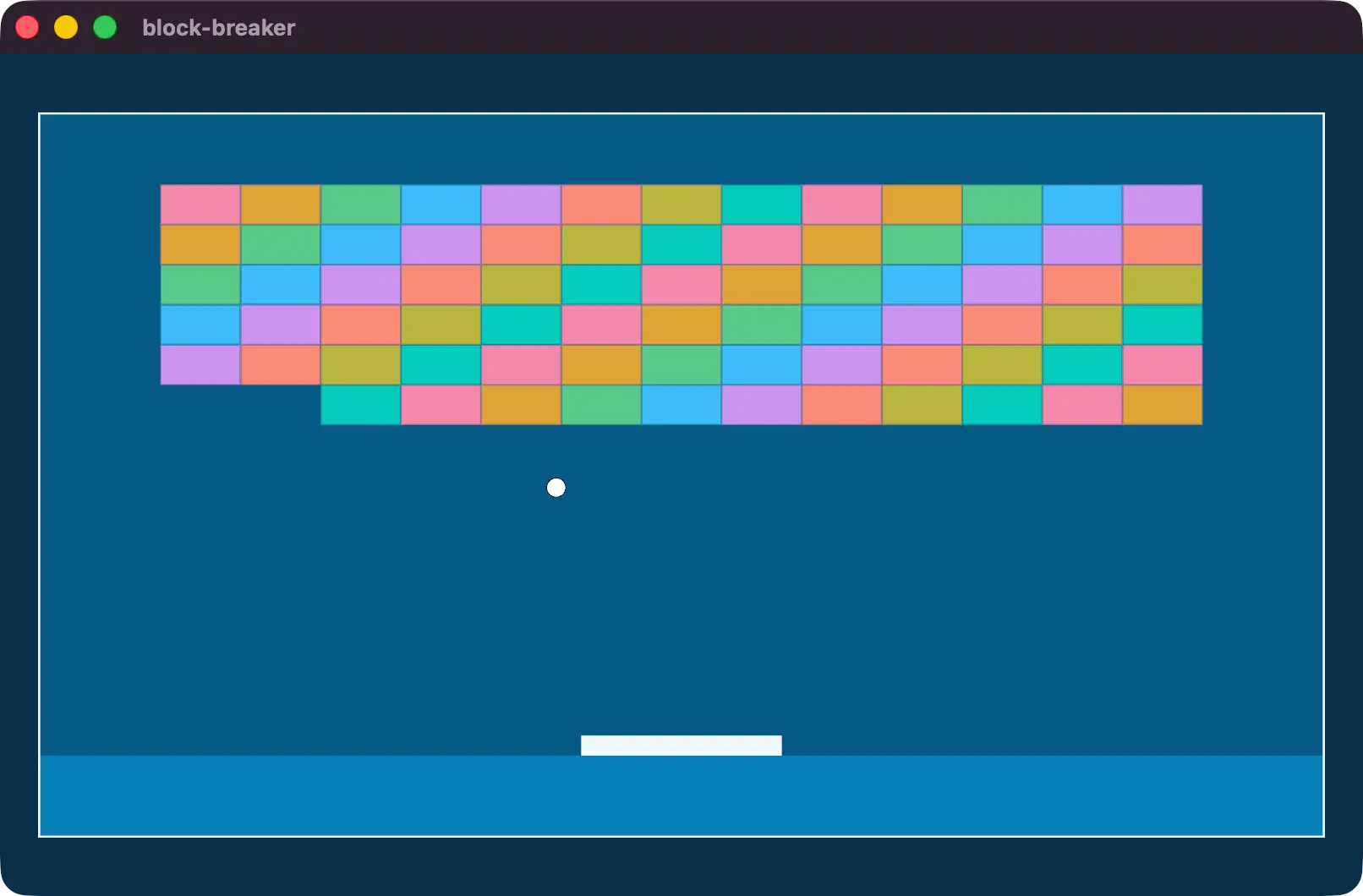
Then in startup, a new Sprite with that component on it. The interesting part here is that we use Anchor::BOTTOM_CENTER which makes our math a bit easier. The Anchor component tells the Sprite to render placing a certain position at the Transform origin. In this case, the bottom center of the Sprite will be placed at the Transform origin, which means we don’t have to do extra math and can place the Transform at the bottom of the play area.
We size the Sprite to be the full width of the canvas, and 1/8 of the height, minus half the paddle size. This is because when we spawned the paddle, we placed it 3/8 of the way down the y axis, and the paddle sprite is still centered around that origin point.
commands.spawn((
    Sprite {
        custom_size: Some(Vec2::new(
            CANVAS_SIZE.x,
            CANVAS_SIZE.y / 8.
                - DEFAULT_PADDLE_SIZE.y / 2.,
        )),
        color: Color::from(SKY_500).with_alpha(0.4),
        ..default()
    },
    Anchor::BOTTOM_CENTER,
    Transform::from_xyz(0., -CANVAS_SIZE.y / 2., -1.0),
    RespawnBallArea,
));
Colliding with the Respawn Area
We don’t want to predict collisions with the respawn area, we only want to react if the ball is inside of the respawn area. For this we can write a new system that uses Single to query for the only respawn area in the game, as well as any balls taht are in play.
We create our BoundingCircle and Aabb2d for the ball and the respawn area and check to see if they overlap with IntersectsVolume::intersects.
fn on_intersect_respawn_area(
    respawn_area: Single<
        (&Transform, &Sprite),
        With<RespawnBallArea>,
    >,
    balls: Query<&Transform, With<Ball>>,
) {
    for ball in &balls {
        let ball_collider = BoundingCircle::new(
            ball.translation.xy(),
            BALL_SIZE,
        );
        let respawn_collider = Aabb2d::new(
            respawn_area.0.translation.xy(),
            respawn_area.1.custom_size.unwrap()
                / Vec2::splat(2.),
        );
        if ball_collider.intersects(&respawn_collider) {
            info!("Game Over!");
        }
    }
}
This system goes right into our FixedUpdate with the others.
.add_systems(
    FixedUpdate,
    (
        paddle_controls,
        ball_movement,
        on_intersect_respawn_area,
    ),
)
Which will now show a “game over” log every time the ball is in the respawn area.
INFO block_breaker: Game Over!States
However, we should do something if the ball is in the respawn area. We could respawn the ball, but then what do we do about the bricks that have already been removed?
Instead of trying to figure out how to reconstruct the level we’re going to use the systems we already have for spawning alongside a new concept called States.
States allow us to define high-level state machines covering our entire application. These can be used for pause menus, main menu screens, and more.
We’ve been scheduling our systems in specific schedules, but using States also gives us access to new schedules which we can trigger when we enter or leave a particular state.
We’re going to have two states: GameOver and Playing. By default, we’ll be in the GameOver variant of our AppState enum.
#[derive(
    Debug, Clone, Copy, Default, Eq, PartialEq, Hash, States,
)]
enum AppState {
    #[default]
    GameOver,
    Playing,
}
In our application, after we add the DefaultPlugins, we’ll initialize our new state using init_state.
.add_plugins(DefaultPlugins)
.init_state::<AppState>()
.add_systems(Startup, setup)
We’re also going to split our startup system into two systems:
startupwill contain everything that needs to spawn once evernew_gamewill contain everything that needs to re-spawn every time we start a new game
For this to work as we want it to, we’ll schedule the new_game system to run when we enter the AppState::Playing state.
.add_systems(Startup, setup)
.add_systems(OnEnter(AppState::Playing), new_game)
Move the Ball, Bricks, and Paddle spawns from startup to new_game.
fn new_game(
    mut commands: Commands,
    mut meshes: ResMut<Assets<Mesh>>,
    mut materials: ResMut<Assets<ColorMaterial>>,
) {
    commands.spawn((
        Ball,
        ...
    ));
    commands.spawn((
        Paddle,
        ...
    ));

    let num_bricks_per_row = 13;
    let rows = 6;
    let base_color = Oklcha::from(SKY_400);
    for row in 0..rows {
        for i in 0..num_bricks_per_row {
          ...
        }
    }
}
Now when running the application, because we default to the GameOver state, none of those should spawn.
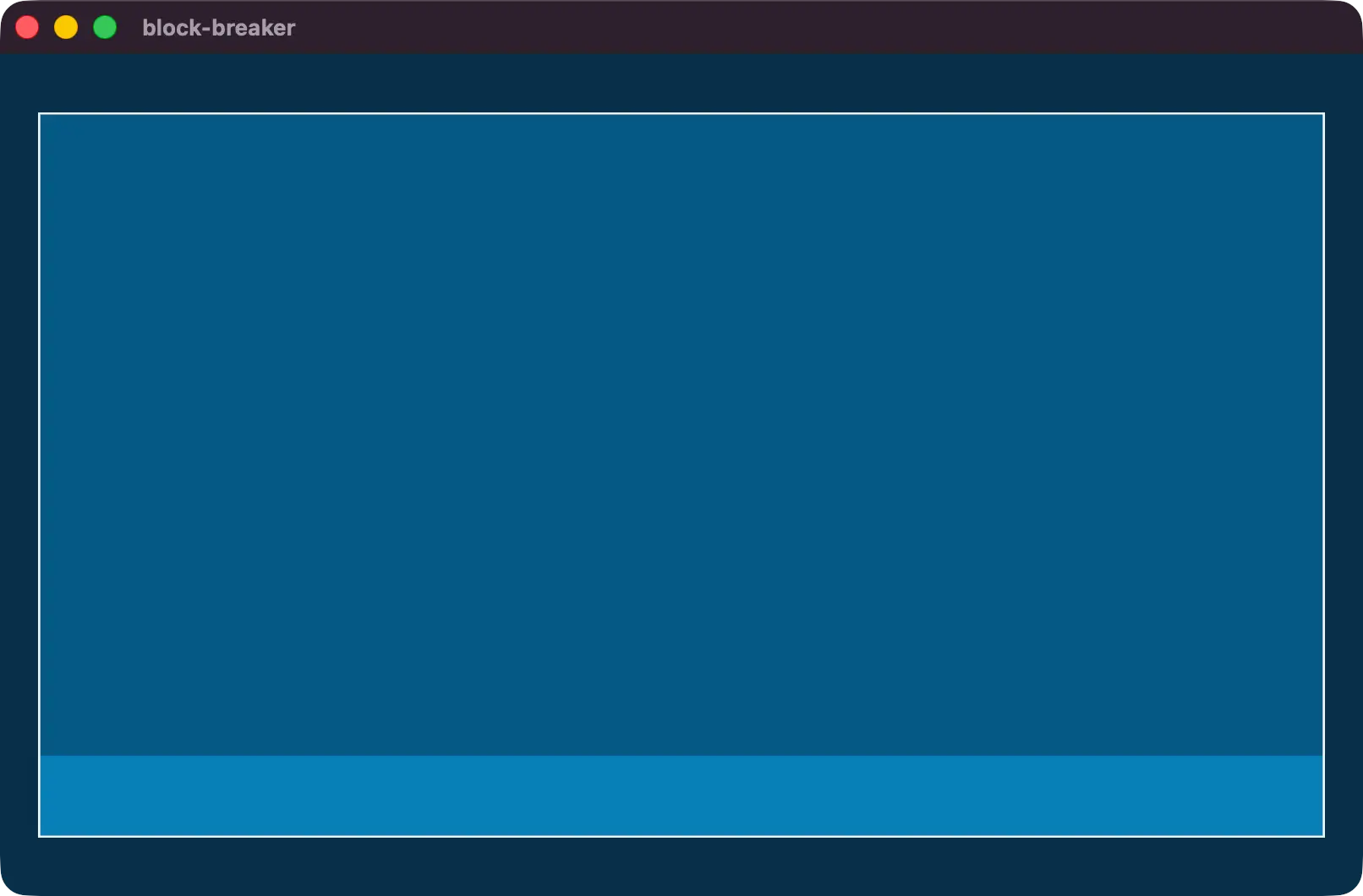
To test the new_game system, you can change the default of the AppState to Playing. Just don’t forget to change it back!
Restarting the game
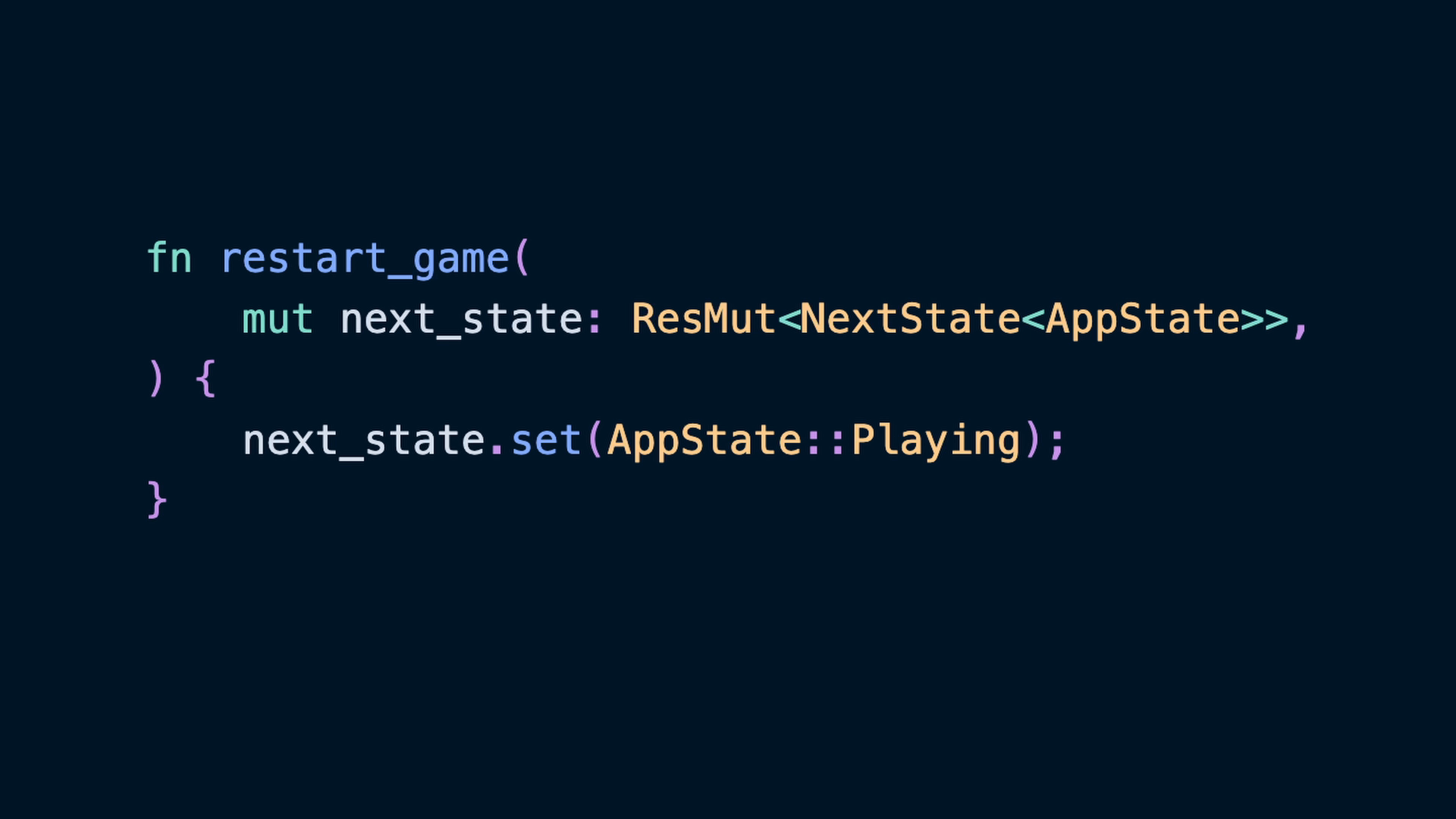
With our game starting out in the GameOver state, we need some way to actually start the game. All we need to do to start the game is to transition into the Playing state, so we can write a system that does that using the NextState resource.
fn restart_game(
    mut next_state: ResMut<NextState<AppState>>,
) {
    next_state.set(AppState::Playing);
}
Then we can schedule this system in a way that will trigger only if
- The player is in the
GameOverstate - The
Rkey was pressed
.add_systems(
    Update,
    restart_game
        .run_if(in_state(AppState::GameOver).and(
            input_just_pressed(KeyCode::KeyR),
        )),
)
This code takes advantage of SystemConditions, which are also known as “run conditions” by the community due to the run_if function that is commonly used to apply them.
There are all sorts of built-in conditions related to
Here we’re using in_state alongside input_just_pressed.
input_just_pressed is also not in the prelude, so has to be brought into scope from
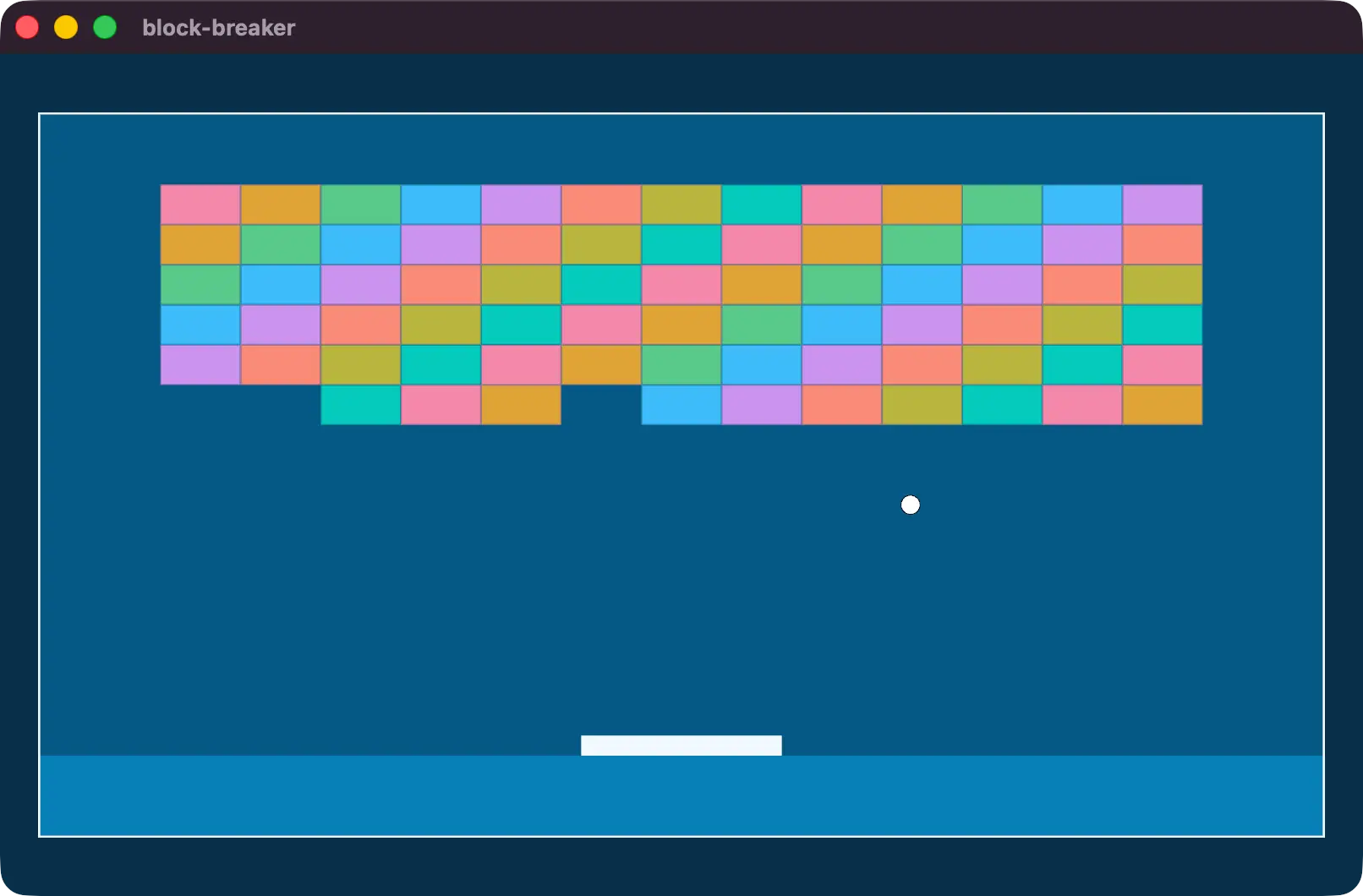
bevy::input::common_conditions::input_just_pressedNow the game will start mostly empty.
And after pressing R, the new_game system will run.
back down in our on_intersect_respawn_area, we’ll use the same approach we used in restart_game to change the state to AppState::GameOver.
fn on_intersect_respawn_area(
    respawn_area: Single<
        (&Transform, &Sprite),
        With<RespawnBallArea>,
    >,
    balls: Query<&Transform, With<Ball>>,
    mut next_state: ResMut<NextState<AppState>>,
) {
    for ball in &balls {
        let ball_collider = BoundingCircle::new(
            ball.translation.xy(),
            BALL_SIZE,
        );
        // check respawn area collision
        let respawn_collider = Aabb2d::new(
            respawn_area.0.translation.xy(),
            respawn_area.1.custom_size.unwrap()
                / Vec2::splat(2.),
        );
        if ball_collider.intersects(&respawn_collider) {
            next_state.set(AppState::GameOver);
        }
    }
}
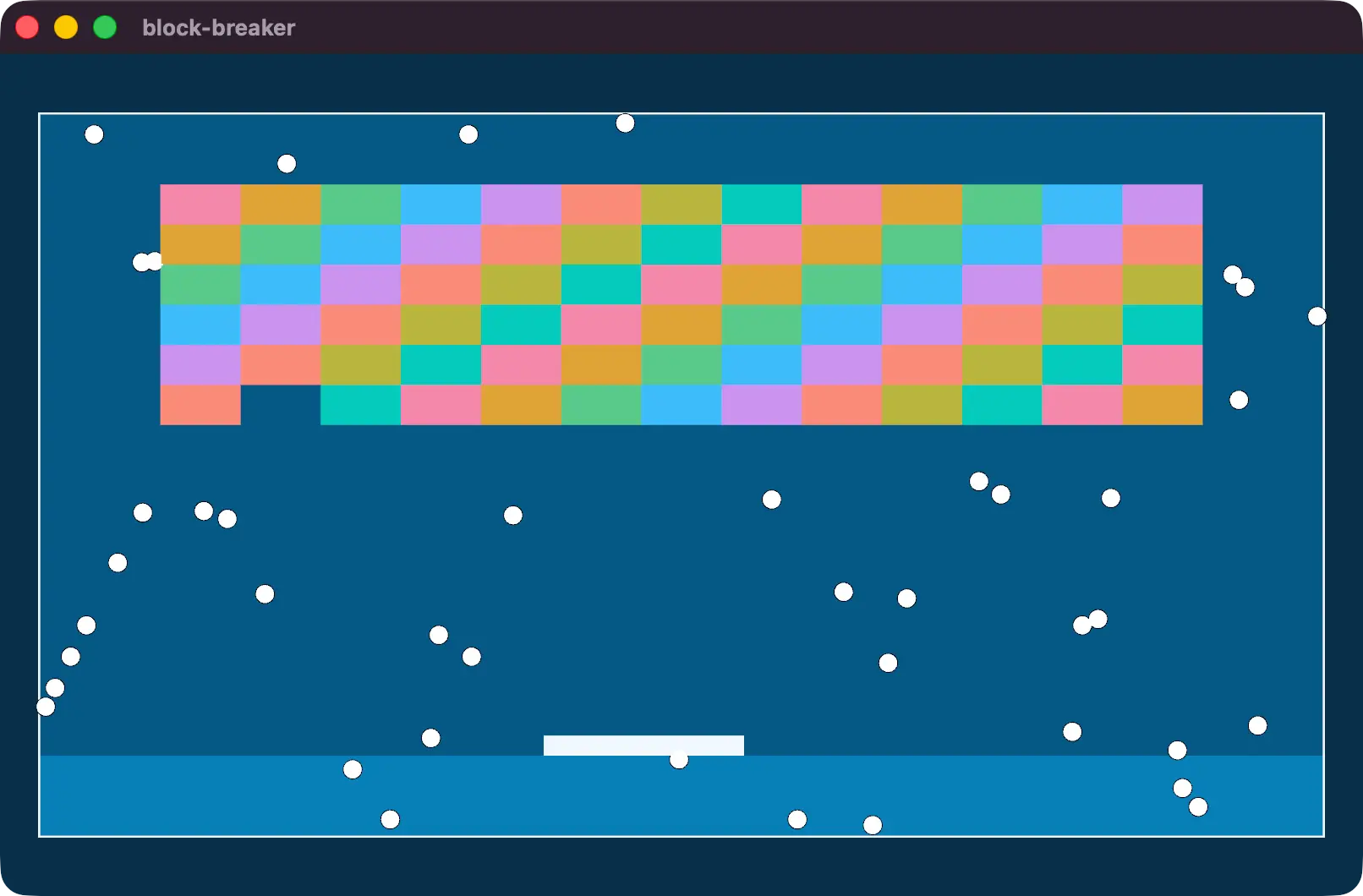
However, if you run the game now and hit R when the state changes, you’ll notice… some interesting behavior!
Spawning and Despawning
What is going on is that we aren’t despawning the relevant entities when the state transitions. It can be awkward to track and clean this up in a system like new_game or restart_game that cause and execute state transition logic… but we have a new tool for that! We already know when we spawn what will be respawned for a new game. It is everything in the new_game system!
So now everything spawned in the new_game system should receive an additional component: DespawnOnExit. The component only needs to be on the root entity because by default it will recurse down the hierarchy and despawn all children as well.
This component will cause the entities labelled with it to be removed when leaving the state variant specified. In this case, the entities will despawn when we leave the AppState::Playing state.
DespawnOnExit(AppState::Playing),If added to each entity spawned in new_game the game should now respawn and despawn all the relevant entities when entering or leaving the Playing state.
A message
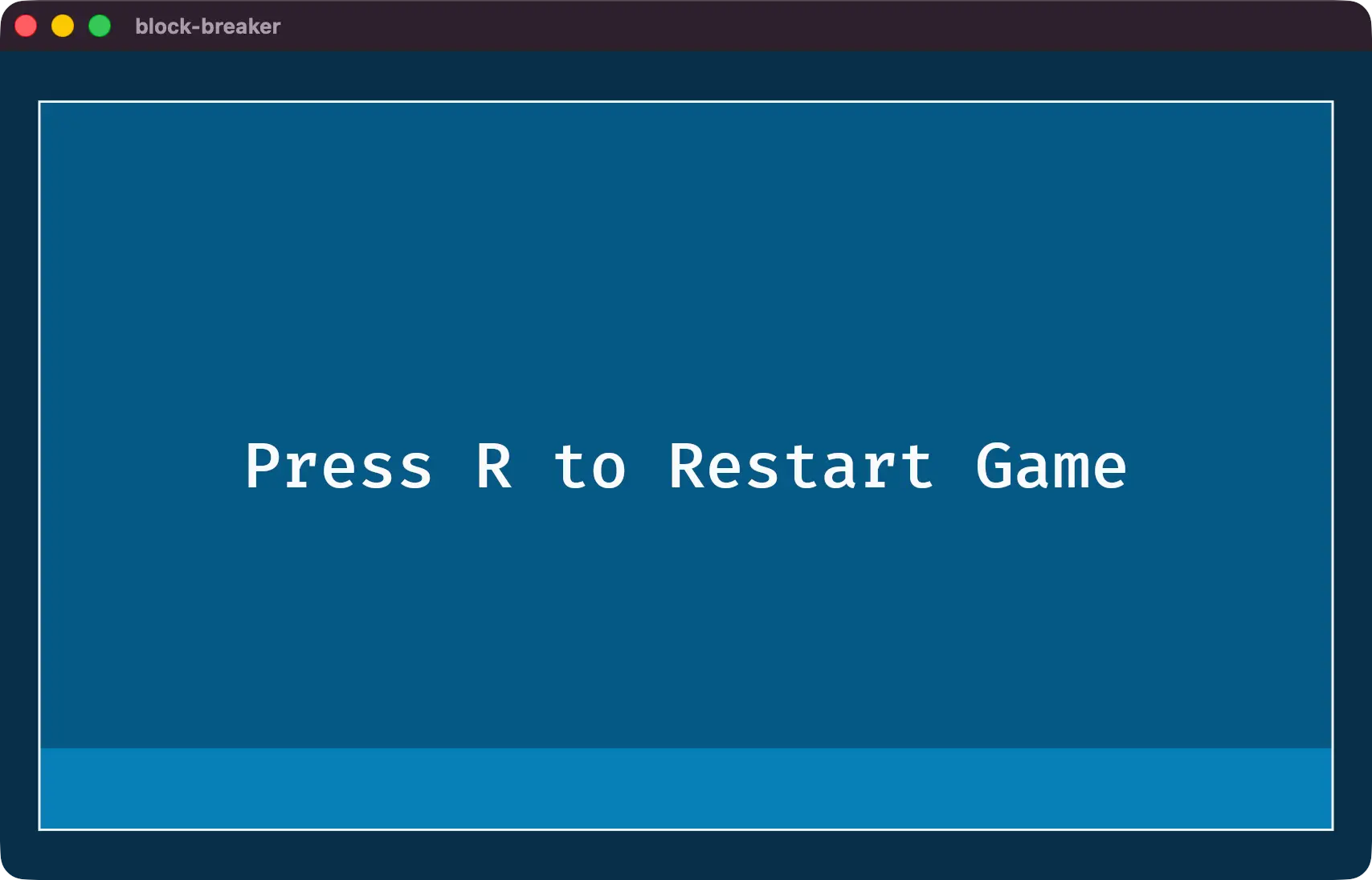
Finally, we should also communicate to the user that they can press R to start the game. We can write a new system called show_restart_button with some aligned text and a DespawnOnExit value of AppState::GameOver.
fn show_restart_button(mut commands: Commands) {
    commands.spawn((
        Node {
            justify_content: JustifyContent::Center,
            align_items: AlignItems::Center,
            width: percent(100.),
            height: percent(100.),
            ..default()
        },
        children![(
            Text::new("Press R to Restart Game"),
            TextFont::from_font_size(67.0),
            TextColor(SLATE_50.into()),
            DespawnOnExit(AppState::GameOver),
        )],
    ));
}
And schedule the system to run when we enter the GameOver state.
.add_systems(
    OnEnter(AppState::GameOver),
    show_restart_button,
)
And that’s it!
Follow ups
Block breaker is a great game to extend. In the classic versions, and many versions that have existed before, powerups fall from the blocks occassionally. You already know how to handle collisions to determine if a powerup collides with the paddle, so how would you implement multiple balls? or other features?