Bricks
We need to implement the the brick spawn logic and the brick collision logic. Let’s start with spawning.
Spawning Bricks
We’ll label each brick with a Brick component for queries and differentiating them later in queries and such. You might at this point notice that we label basically everything with a marker component. This makes sense if you have distinct concepts and want to filter for these entities later, but not everything needs to be labelled like this either.
#[derive(Component)]
struct Brick;
Here is our spawn loop
let num_bricks_per_row = 13;
let rows = 6;
let base_color = Oklcha::from(SKY_400);
for row in 0..rows {
    for i in 0..num_bricks_per_row {
        let current_color = base_color.with_hue(
            ((row + i) % 8) as f32
                * (num_bricks_per_row * rows) as f32,
        );
        commands.spawn((
            Brick,
            Sprite {
                custom_size: Some(BRICK_SIZE),
                color: Color::from(current_color)
                    .with_alpha(0.4),
                ..default()
            },
            Transform::from_xyz(
                BRICK_SIZE.x * i as f32
                    - BRICK_SIZE.x
                        * num_bricks_per_row as f32
                        / 2.
                    + BRICK_SIZE.x / 2.,
                CANVAS_SIZE.y * (3. / 8.)
                    - BRICK_SIZE.y * row as f32,
                0.0,
            ),
            HalfSize(BRICK_SIZE / 2.),
            children![(
                Mesh2d(meshes.add(Rectangle::new(
                    BRICK_SIZE.x - 2.,
                    BRICK_SIZE.y - 2.,
                ))),
                MeshMaterial2d(
                    materials.add(Color::from(
                        current_color
                    )),
                ),
                Transform::from_xyz(0., 0., 1.)
            )],
        ));
    }
}
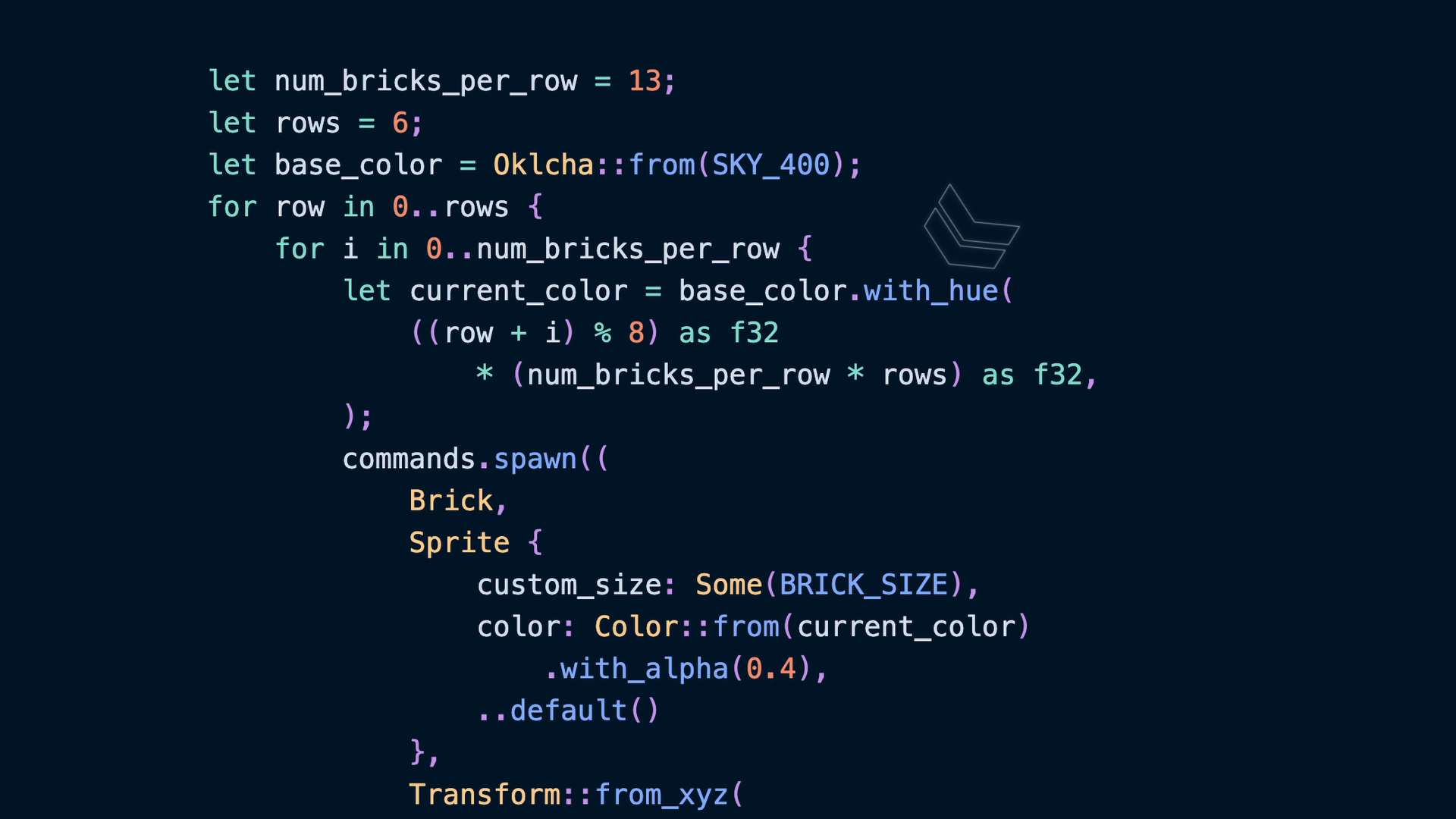
Spawning a Brick grid will be two loops: one loop for the row and one for the column. Here we define the number of bricks in a row to be 13 and the number of rows to be 6. We also define a base_color using an Oklcha color pulled from the tailwind palette. This is a perceptually uniform color space, which tldr; means that when we change the hue the color stays the same lightness as perceived by humans. The specific tailwind color we use is not terribly important, but it does define some preset values for lightness and chroma.
note
The color that actually reaches a human’s eye is affected by many things, such as what monitor you’re viewing it on, but working in Oklch is the best way to pick colors in my opinion. Hue changes change the color as you would expect, and lightness changes the brightness as you would expect.
If the lightness value stays the same, two hue will look like they belong together.
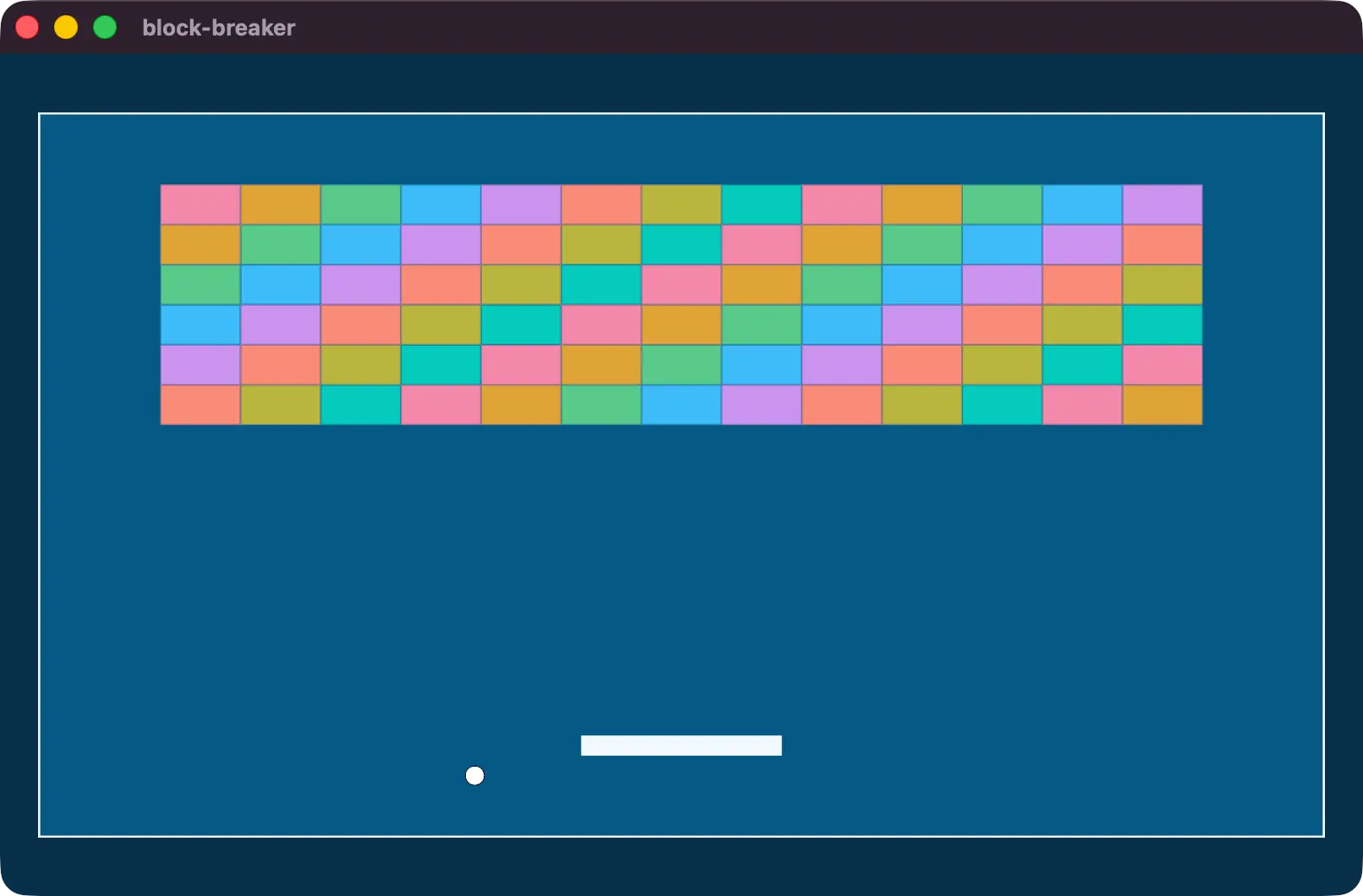
hue is a value from 0 to 360 with the caveat that if we go above that it wraps around again. So 0, 360, and 720, are all the same hue. The current_color is the color we’ll use for each brick, and is completely arbitrary. I’ve chosen to build the color using the row and column values added together, mod 8, and multiplied by 13 * 6. I will emphasize again that these choices are completely arbitrary! and you can and should choose your own way to pick a hue.
The important part is Oklcha::with_hue which copies the original value with a new hue.
let current_color = base_color.with_hue(
    ((row + i) % 8) as f32
        * (num_bricks_per_row * rows) as f32,
);
Then we spawn each brick with a border in the same way we created a border for the ball and the play area.
The interesting piece here is that we’re using the BRICK_SIZE and row and column counts to pick the position for each brick on screen. The x position is based around the center of the screen, while the y position is artificially elevated to the top of the play area.
Transform::from_xyz(
    BRICK_SIZE.x * i as f32
        - BRICK_SIZE.x
            * num_bricks_per_row as f32
            / 2.
        + BRICK_SIZE.x / 2.,
    CANVAS_SIZE.y * (3. / 8.)
        - BRICK_SIZE.y * row as f32,
    0.0,
),
Brick Collision
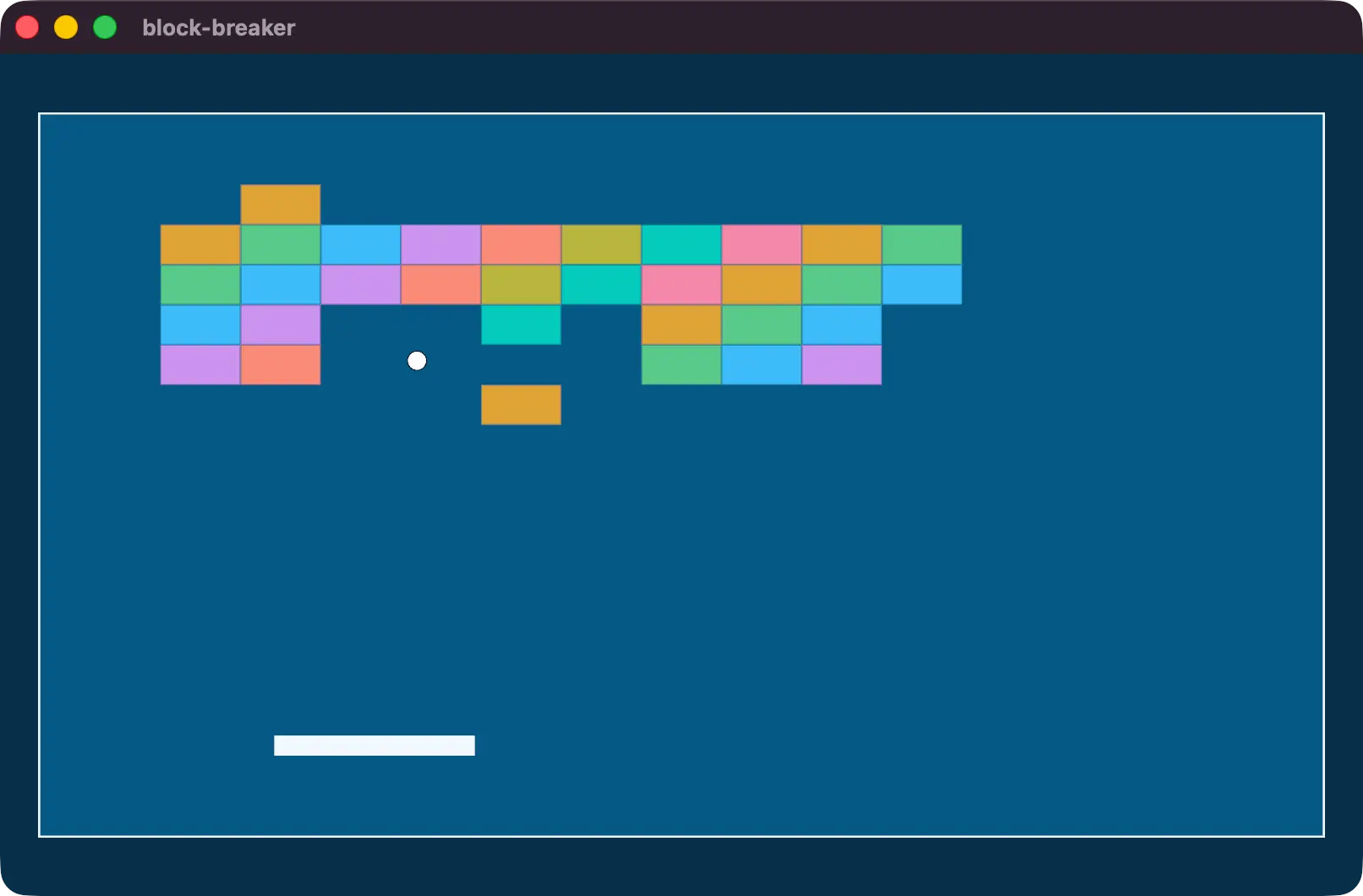
Right now we can play the game and the bricks behave a bit strange when the ball collides with them. That’s because our collision logic is only handling the paddle!
Head back to the code branch with the handle bricks comment.
if paddles.get(entity).is_ok() {
    ...
} else {
    // handle bricks!
}
break;
If you followed the code in previous lessons exactly, you’ll need to take the _ off of the _aabb_collider from our if-let now.
if let Some((entity, origin, aabb_collider, _)) = ...In our handle bricks comment area, we already have access to the entity that is the closest ray cast hit. If this entity is a brick, then what we really need is the normal of the surface we hit to be able to react to it. So in the same way we built walls for our play area, we’ll build walls with the opposite normals for bricks. After all, the play area is meant to keep the ball in and the bricks are meant to keep the ball out.
let (hit_normal, _) = [
    (
        Plane2d::new(Vec2::NEG_Y),
        Vec2::new(
            origin.translation.x,
            aabb_collider.min.y,
        ),
    ),
    (
        Plane2d::new(Vec2::Y),
        Vec2::new(
            origin.translation.x,
            aabb_collider.max.y,
        ),
    ),
    (
        Plane2d::new(Vec2::NEG_X),
        Vec2::new(
            aabb_collider.min.x,
            origin.translation.y,
        ),
    ),
    (
        Plane2d::new(Vec2::X),
        Vec2::new(
            aabb_collider.max.x,
            origin.translation.y,
        ),
    ),
]
.into_iter()
.filter_map(|(plane, location)| {
    ball_ray
        .intersect_plane(location, plane)
        .map(|hit_distance| {
            (plane.normal, hit_distance)
        })
})
.min_by_key(|(_, distance)| {
    FloatOrd(*distance)
})
.unwrap();

commands.entity(entity).despawn();
velocity.0 =
    velocity.0.reflect(*hit_normal);
Given the walls that represent the brick, we can check for the closest hit using the ball_ray’s Ray2d::intersect_plane function. This accepts the location of the plane and the plane itself, and gives us the hit_distance if there was a hit. We keep the hit distance and normal, using the hit_distance to get the closest hit, and the plane’s normal to do our velocity reflection in the same way we did for walls.
We’re only doing the additional four checks for a single brick, so it isn’t much more costly to handle this way.
Finally, if a brick was actually hit, we want to despawn it. Add Commands to the ball_movement system.
fn ball_movement(
    mut balls: Query<
        (&mut Transform, &mut Velocity),
        With<Ball>,
    >,
    walls: Query<(&Wall, &Transform), Without<Ball>>,
    aabb_colliders: Query<
        (Entity, &Transform, &HalfSize),
        Without<Ball>,
    >,
    paddles: Query<(), With<Paddle>>,
    time: Res<Time>,
    mut commands: Commands,
) {
    ...
}
and right above our new velocity setting, we can use the entity to despawn the brick and all of the entities in its hierarchy recursively.
commands.entity(entity).despawn();
velocity.0 =
    velocity.0.reflect(*hit_normal);